now on the chrome web store
Paste freely.
Your data stays yours.
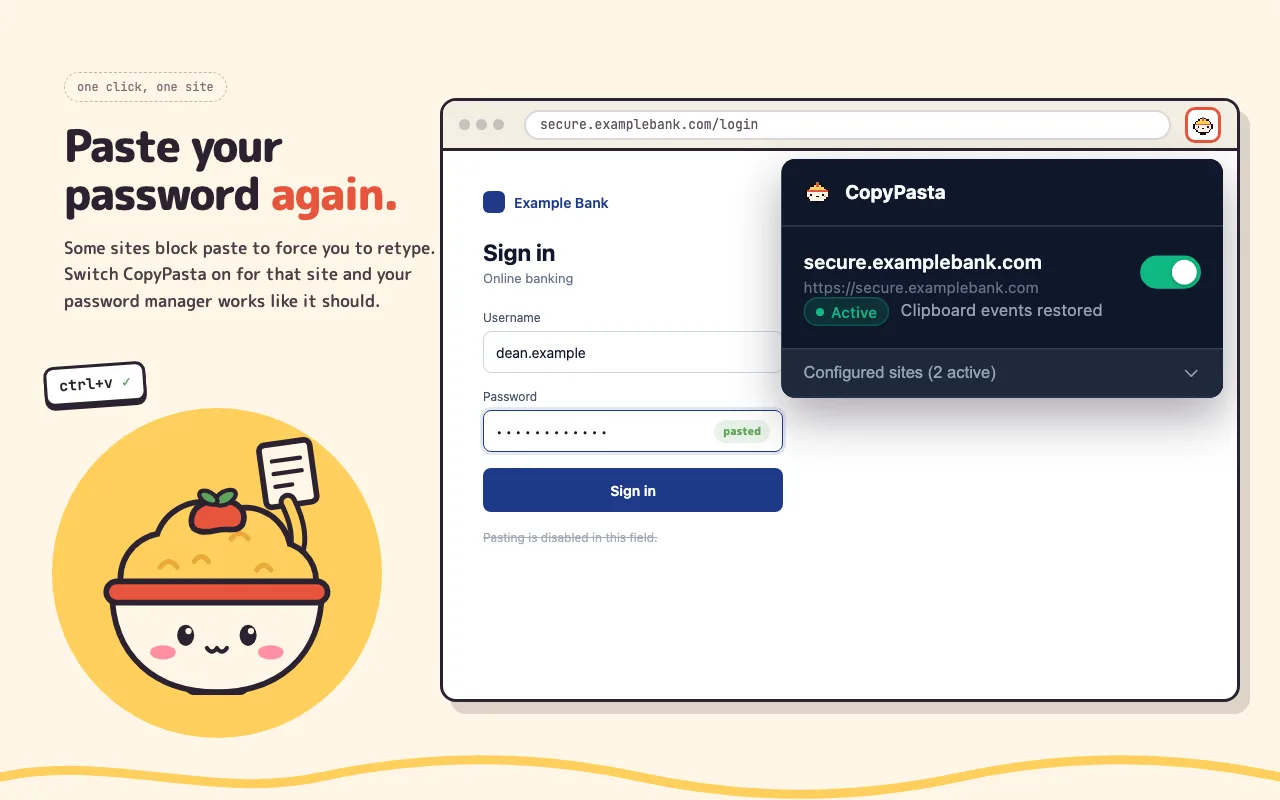
CopyPasta restores copy, cut and paste on websites that deliberately disable clipboard events. Switch it on for the sites that need it and leave the rest alone.
ctrl+v ✓
How it works
Nothing runs until you ask it to. CopyPasta is off everywhere by default.
1
A site blocks your paste
A form field won't take your pasted password, or a page stops you copying its text.
2
Turn it on for that site
Click CopyPasta in your toolbar and switch it on for the current site only.
3
Copy, cut and paste again
Copy, cut and paste work normally on that site again. If they don't straight away, reload the page. Turn it off whenever you like.
Cute on the outside.
Very simple underneath.
CopyPasta doesn't collect or send anything, and never reads your clipboard. The only thing it keeps is your list of sites. The code is small enough to read in one sitting.
read the source →$ copypasta --what
restorescopy · cut · paste
scopeopt-in, per site
telemetrynone
network0 requests
deps0 runtime
platformmanifest v3
licenseMIT